Host desktop
Session readyShare your ProBox
With just one click, your ProBox appears on your invited guest’s desktop in seconds.Host New York
Visual desktop organizer with easy one-click Box transfers for Windows
Organize local files in visual Desktop Boxes. Customize, rename, and arrange them exactly the way you like. From now on, your desktop is truly yours.Personalize your workspace: Choose from more than 400 high-quality wallpapers and over 200 animated 3D backgrounds for your Boxes and desktop. Create millions of combinations — all included with the Starter plan.Share files directly from your desktop via P2P. The connection follows the same principle as established remote connections and links the participating devices directly — without permanent cloud file storage or complicated sign-up processes.
Work together with one click. Coworking at its best.
Download
Visual Desktop Organizer & Workspace Software
Organize your local files on the desktop in visual Desktop Boxes. Share complete Boxes directly with just one click. Glass Desktop Box™ combines desktop organization with peer-to-peer (P2P) collaboration—without cloud file storage or complicated workflows. More than ten connected features work directly on your desktop. The application uses no integrated AI; your files and decisions stay under your control.
The New Desktop Experience


Compare plans
Service description · Version 2026-08-29
| Feature | Starter | Plus | ProBox | ProBox Duo | Enterprise 100 | Enterprise 500 |
|---|---|---|---|---|---|---|
| Price | $9.99 netFinal price including applicable state and local sales tax is shown at checkout. | $29.99 netFinal price including applicable state and local sales tax is shown at checkout. | $59.99 netFinal price including applicable state and local sales tax is shown at checkout. | $99.99 netFinal price including applicable state and local sales tax is shown at checkout. | $2,999.00 netFinal price including applicable state and local sales tax is shown at checkout. | $6,999.00 netFinal price including applicable state and local sales tax is shown at checkout. |
| Billing | per year | per year | per year | per year | 3 years license | 3 years license |
| Availability | Available September 3, 2026 | Available September 3, 2026 | Available September 15, 2026 | Available September 15, 2026 | Available October 1, 2026 | Available October 1, 2026 |
| Included Transfer | 1 GB / month | 12 GB / month | 120 GB / month | 120 GB / month per license | unlimited | unlimited |
| ProBox | — | — | ✓ | ✓ | ✓ | ✓ |
| Licenses / Seats | 1 | 1 | 1 | 2 | Up to 100 | Up to 500 |
| Desktop Experiences (all available)Currently around 200 animated 3D backgrounds plus over 400 background images. | ✓ | ✓ | ✓ | ✓ | ✓ | ✓ |
| Selection Tabs | ✓ | ✓ | ✓ | ✓ | ✓ | ✓ |
| Folder Linking | ✓ | ✓ | ✓ | ✓ | ✓ | ✓ |
| PIN-Protected Boxes | ✓ | ✓ | ✓ | ✓ | ✓ | ✓ |
| Live collaboration via Remote | ✓ | ✓ | ✓ | ✓ | ✓ | ✓ |
| Remote Boxes with your own branding | — | ✓ | ✓ | ✓ | ✓ | ✓ |
| P2P Transfers | ✓ | ✓ | ✓ | ✓ | LAN | LAN |
| LAN / Intranet Operation | — | Possible | Possible | Possible | ✓ | ✓ |
| Commercial Use | ✓ | ✓ | ✓ | ✓ | ✓ | ✓ |
| Best for | Personal use | Freelancers | Professional collaboration | Professional collaboration | Up to 100 workstations | Up to 500 workstations |
Recognize the problem in front of you, then open the practical guide or feature that solves it.
Built for people around the world
Fair plans including all desktop organization tools and direct P2P file sharing — from $9.99 net per year!
Around 200 animated backgrounds are available for your boxes and desktop.
Explore animated 3D backgrounds →Remote Workspace
Create a desktop that inspires you.
Your desktop. Your style.
Organize your workspaces, not just your files.
Less searching. More working.
Share your desktop experience with anyone.
Connect. Share. Collaborate.
Work together in real time.
Two computers. One workspace.
Your desktop. Your files. Your control.
Local files. Private by design.
Glass Desktop Box™ is a purely local desktop application with no embedded AI.No AI model scans, analyzes, classifies, renames or moves your files, and no AI makes workspace decisions on your behalf. Your files remain local.And every action stays under your direct control.

Visual Organization
Glass Desktop Box™ is visual desktop organizer software for real local files. Create a Desktop Box for every project, client or task, organize files by drag and drop and collapse inactive workspaces without replacing your normal folders.
Create Desktop Boxes for every project, client or task. Drag files in, collapse when done, expand when needed.
Easily change size, colors, transparency, icon layout and more — your desktop, your rules.

Instant File Sharing
Create a Remote invitation link, let the recipient connect through the browser and transfer selected files directly whenever technically possible—without permanent cloud file storage.
Files travel directly between computers whenever possible — fast, private and without a middleman.
Send an invitation link, your partner accepts and the shared box is ready via https (Starter Version) — no setup required. No registration. No accounts. No platform setup. No cloud storage. Share files, chat, and links together in one secure workspace.

Remote Collaboration
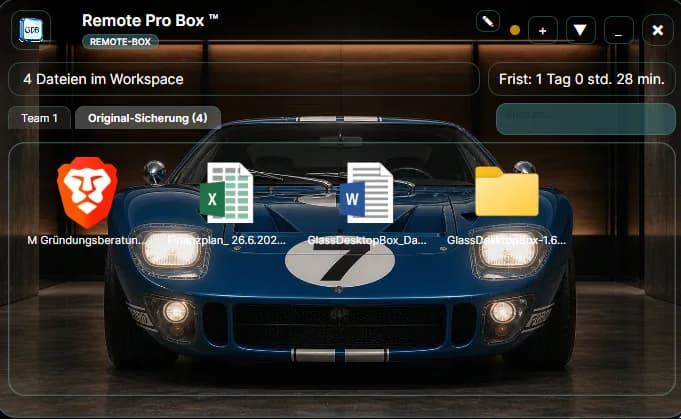
Work together inside the same Remote ProBox™ in real time. Share files, notes and chat — without leaving your desktop environment. You and your colleague continue working on your own desktops while sharing the same Remote ProBox™ in real time.
Both users see the same workspace — files, notes and messages stay in sync automatically.
Perfect for freelancers sharing deliverables, agencies working with clients and distributed teams.

Unlimited Desktops
Build a dedicated desktop for every project, client or part of your life — and switch between them with just one click.
Jump instantly between your desktops without interrupting your workflow.
Keep work, personal files and every project separate, organized and exactly where they belong. Stay focused with a dedicated workspace for each project, desktop or private area.
Not just another desktop customization tool.
Remote collaboration
Invite a partner by email and work together in the same ProBox within seconds. The host sends the invitation, the guest accepts it, and both can immediately edit the shared Box. Files, notes, and changes stay synchronized across both computers—without complicated setup or connection steps.
Transfer files instantly while both users are connected.
Communicate and keep shared notes directly inside the ProBox.
Secure every invitation and session with a protected access PIN.
Invite multiple participants into the same shared workspace.
Files transfer directly between devices whenever possible.
Your ProBox appears on the other desktop with its full structure and layout.
Chunked transfers with progress info and automatic resume support.
Customize the name, background and visual identity of your shared ProBox.
Work together inside the same Desktop Box and see updates as they happen.
Transfer files instantly while both users are connected.
Communicate and keep shared notes directly inside the ProBox.
Secure every invitation and session with a protected access PIN.
Invite multiple participants into the same shared workspace.
Files transfer directly between devices whenever possible.
Your ProBox appears on the other desktop with its full structure and layout.
Chunked transfers with progress info and automatic resume support.
Customize the name, background and visual identity of your shared ProBox.
Work together inside the same Desktop Box and see updates as they happen.
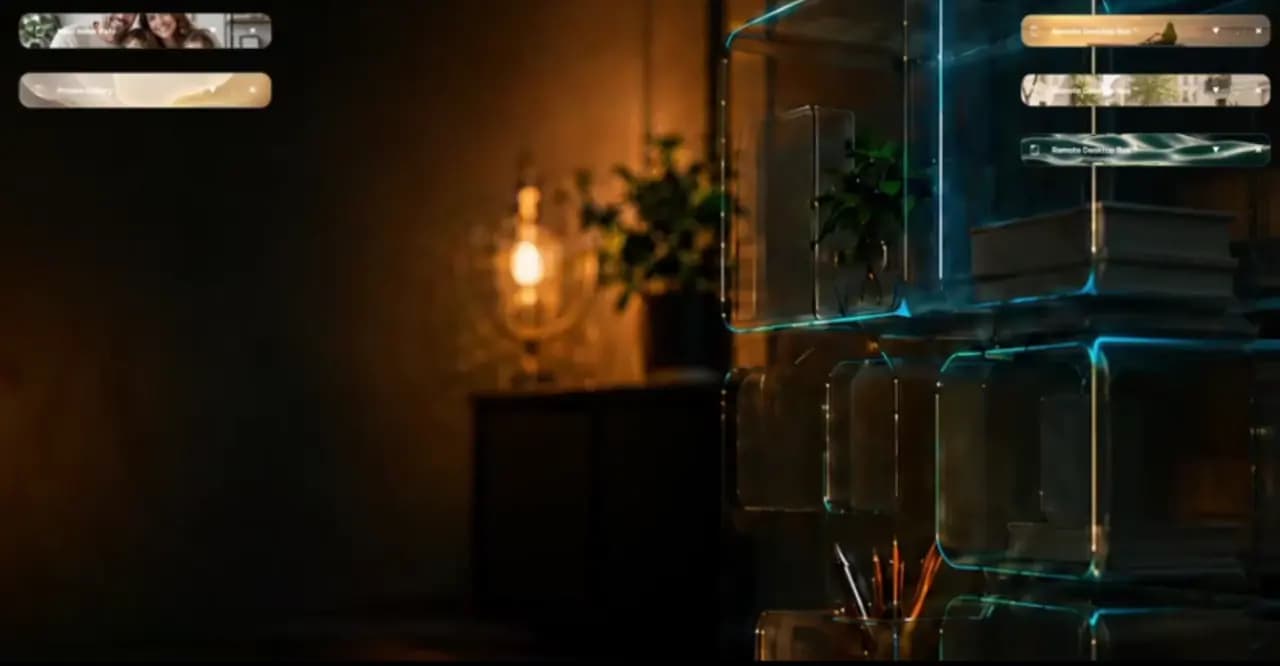
Discover a completely new form of desktop personalization. Glass Desktop Box™ Desktop Experiences turn your Windows desktop into a modern, interactive workspace. Every Desktop Box can use a high-quality 3D animation or video and become a living part of your desktop without losing sight of files and projects.

Gentle ocean waves move through warm sunset light. With “Golden Shore 1”, users can personalize a Windows desktop without pushing files, folders or controls out of visual focus — project Boxes gain atmosphere without losing clarity.
Gentle ocean waves move through warm sunset light. With “Golden Shore 1”, users can personalize a Windows desktop without pushing files, folders or controls out of visual focus — project Boxes gain atmosphere without losing clarity.

A calm, silent animation: Rowing in Silence. “Rowing in Silence” works as an animated desktop background for focused work sessions and clearly arranged Boxes — reading and research retain a calm visual backdrop.
A calm, silent animation: Rowing in Silence. “Rowing in Silence” works as an animated desktop background for focused work sessions and clearly arranged Boxes — reading and research retain a calm visual backdrop.

A calm, silent animation: Light in the Silence. For anyone who wants to improve the look of a desktop and keep it productive, “Light in the Silence” provides atmosphere without visual clutter — personalization stays expressive without turning into visual clutter.
A calm, silent animation: Light in the Silence. For anyone who wants to improve the look of a desktop and keep it productive, “Light in the Silence” provides atmosphere without visual clutter — personalization stays expressive without turning into visual clutter.
Choose from a continually growing library of professionally designed Desktop Experiences, or upload your own videos and use them as individual animations inside your Boxes. Whether you work in business, create, play or organize your personal computer, your desktop can match the way you use it.


Glass Desktop Box™ combines desktop organization, file management, desktop personalization and animated content in one application. Organize files in intelligent Boxes, shape your visual workspace and create a desktop that is both clear and inspiring.
If you prefer focused work without motion, more than 300 high-quality wallpapers are also available. Switch between animated Desktop Experiences and static designs with one click, and adapt your workspace to your current task or mood.
New Desktop Experiences, videos and design collections are added continuously. You can also integrate your own content at any time and turn your desktop into a fully personalized working environment.
A complete desktop workspace system
Organize, personalize, find, protect and recover your work without moving it into a cloud platform. Every feature is designed to keep your desktop clear while your real files remain under your control.
Not a desktop decoration. A new way to work.
Desktop Experiences
Explore 30 curated Desktop Experience collections for Glass Desktop Box. Each collection combines a distinct visual atmosphere with practical guidance for desktop organization, transparent Desktop Boxes, and productive visual workspaces.
Choose a collection that matches the way you work, then organize projects, files, and daily priorities around it without changing where your files are stored.
Browse all Desktop Experiences
imaginative workspaces for creative exploration.

warm and deliberate workspaces for steady delivery.

curious and expansive workspaces for multi-project navigation.
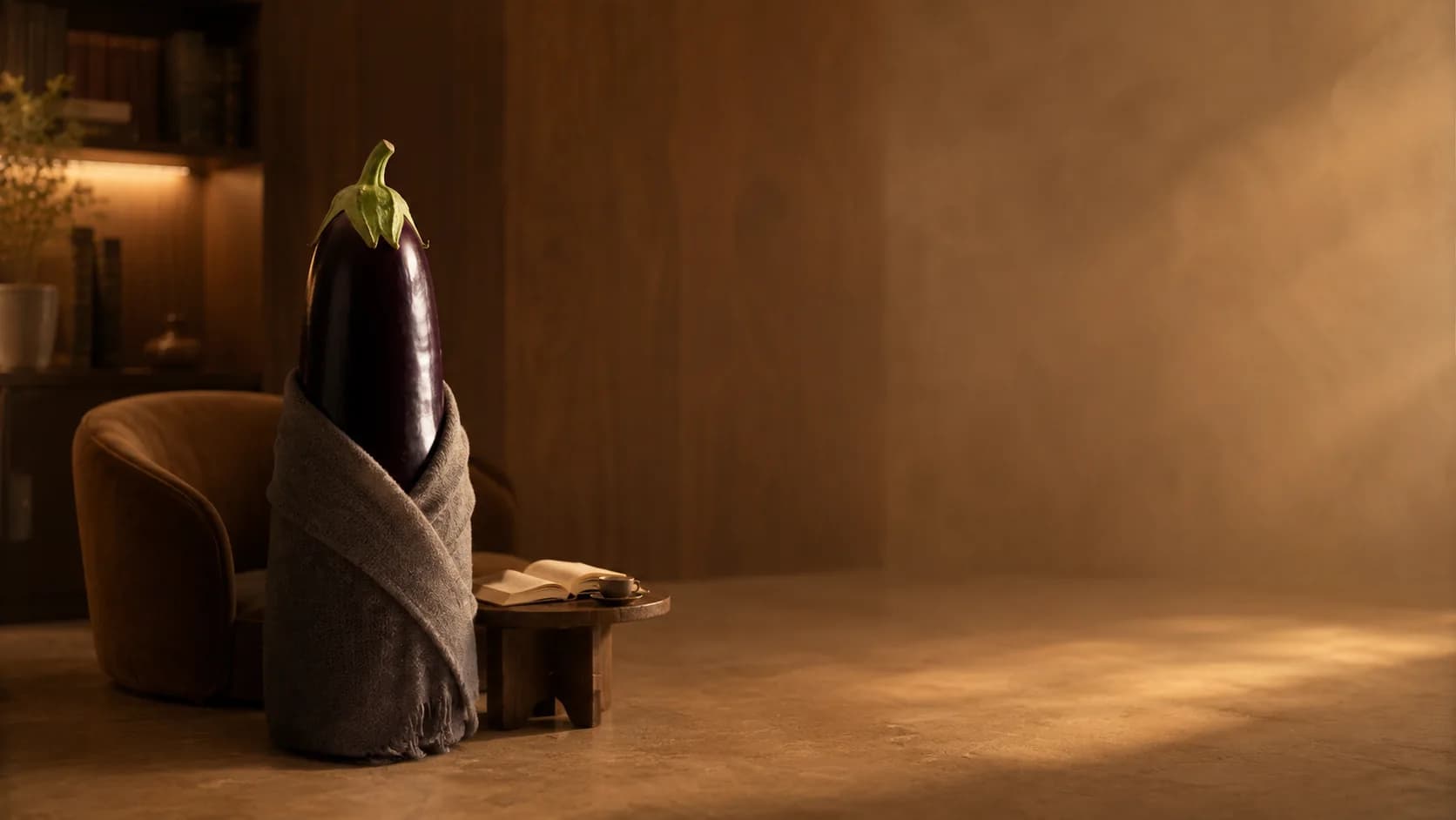
grounded and restorative workspaces for repeatable routines.

quiet and clear workspaces for deep concentration.
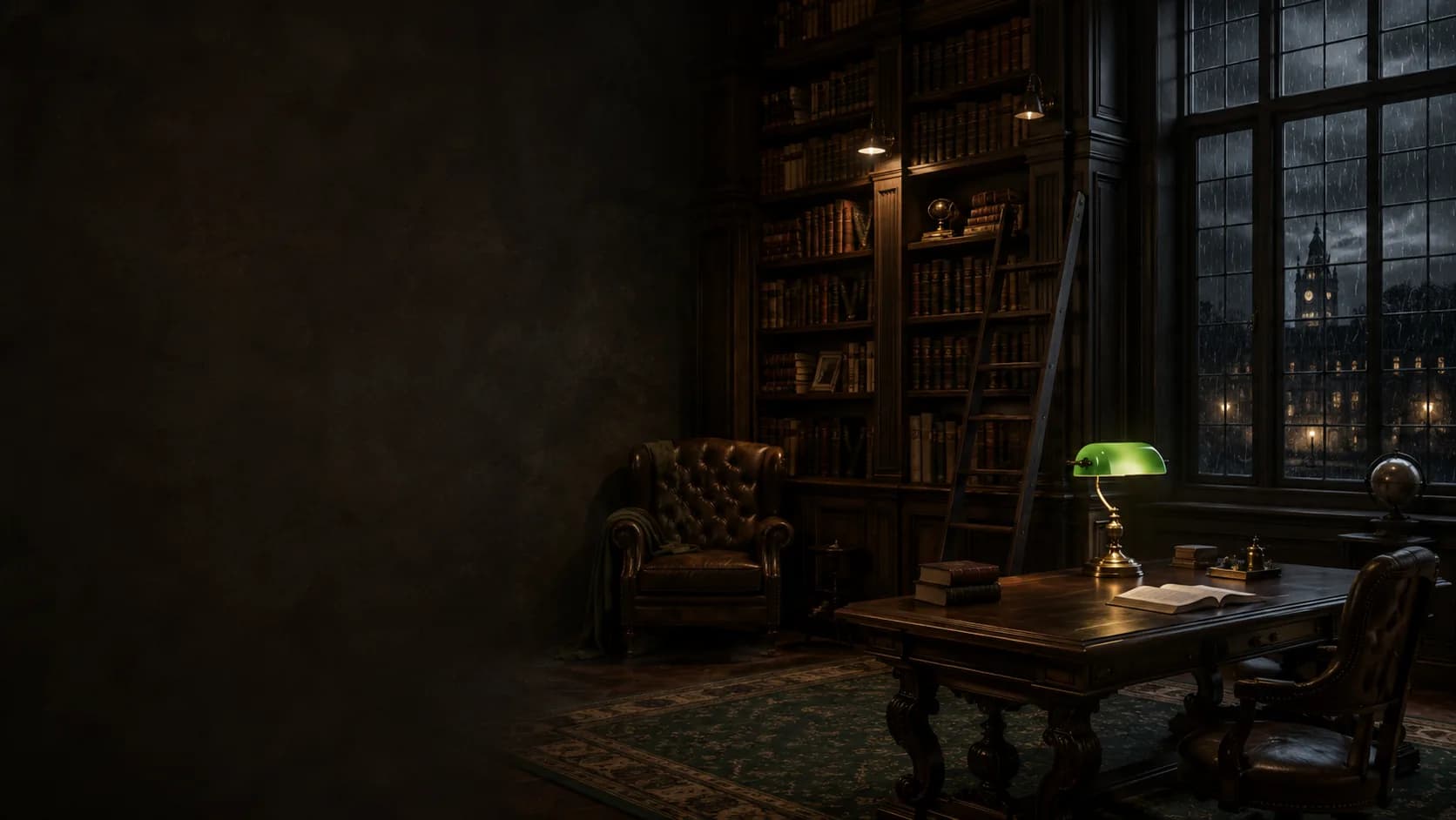
studious and rich workspaces for research and writing.
All 30 collections
FAQ
Glass Desktop Box is a visual desktop organization and collaboration platform that combines workspace organization, direct file sharing and live collaboration inside interactive Desktop Boxes.
No. Files are transferred directly between devices whenever possible. If a direct connection cannot be established, Glass Desktop Box automatically switches to a secure relay connection. Files are not stored permanently in the cloud.
A ProBox is a live shared Desktop Box. It appears on another user’s computer and allows participants to work together in the same visual workspace with synchronized files, folders and updates.
Create an invitation and send the link to the recipient. After the recipient joins the session, selected files can be transferred between the connected devices.
Glass Desktop Box supports PIN-protected Boxes and sessions, direct peer-to-peer transfers whenever possible, secure relay fallback and integrity verification for transferred files.
Starter and Starter Plus will be available from September 3, 2026. ProBox and ProBox Duo will be available from September 15, 2026. Enterprise 100 and Enterprise 500 will be available from October 1, 2026.
Yes. Every Box can have its own title, color, transparency, background image, layout and visual appearance.
Glass Desktop Box is designed for individuals, freelancers, creative professionals, developers, agencies, IT support teams, remote workers, educators and businesses that want a visual way to organize files and collaborate.
GlassDesktopBox™
Organize files visually. Share directly. Work inside complete Desktop Experiences.
Download Glass Desktop Box™