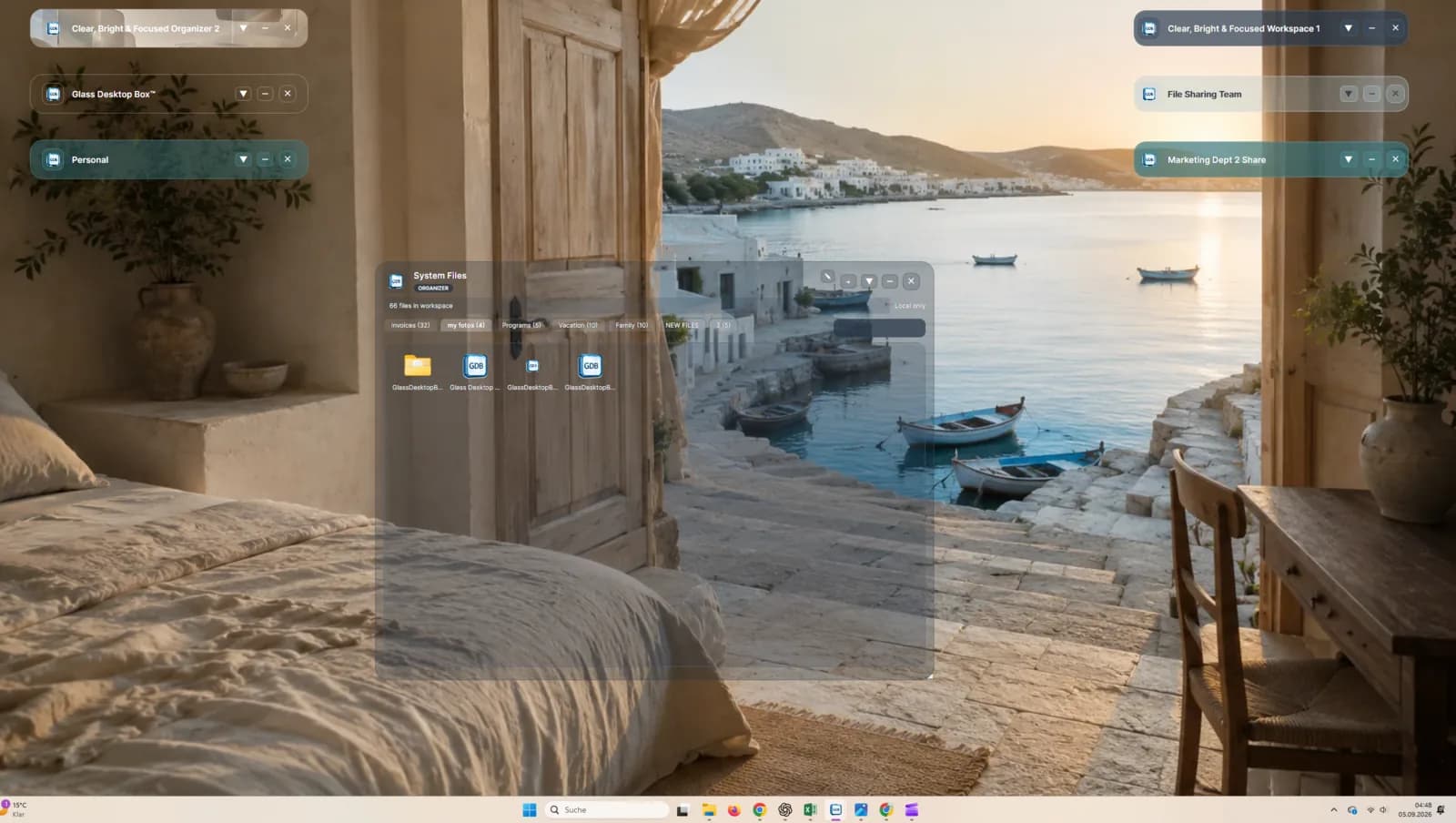
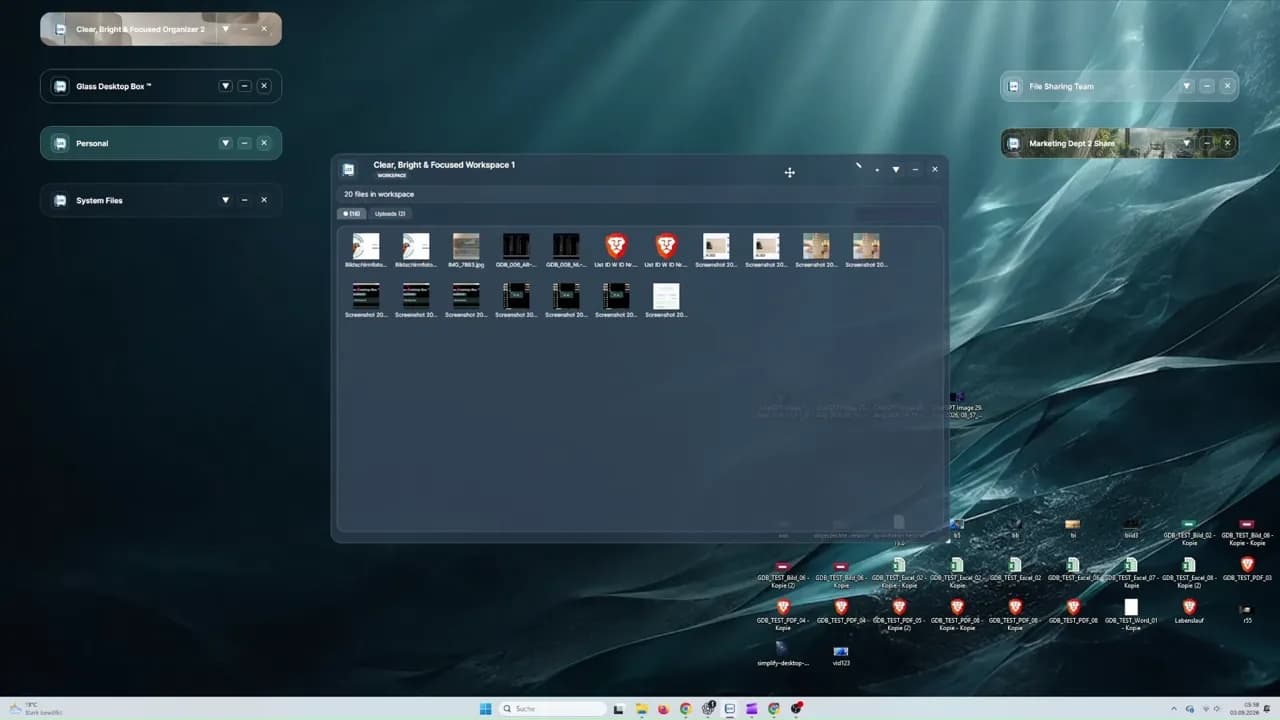
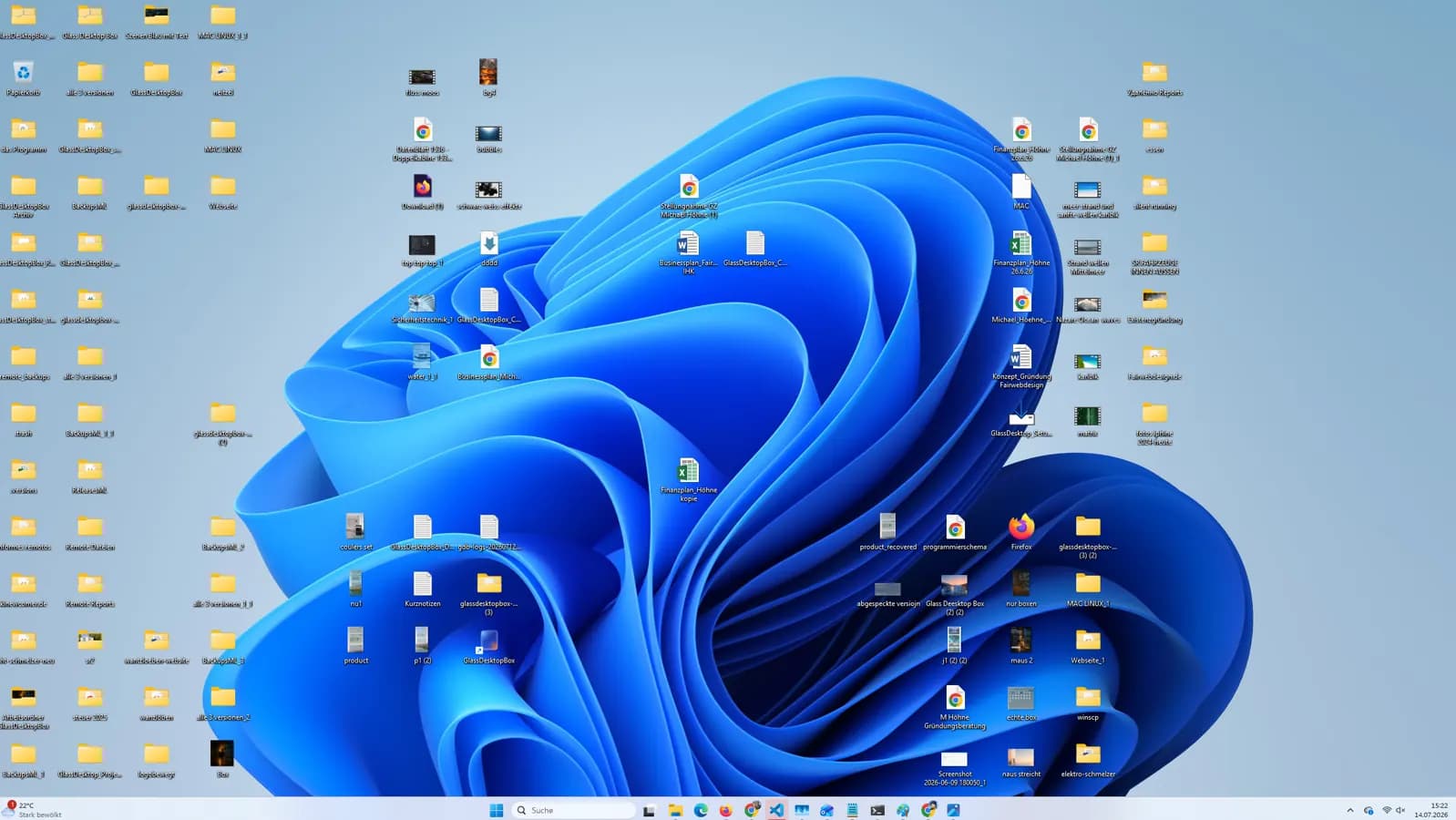
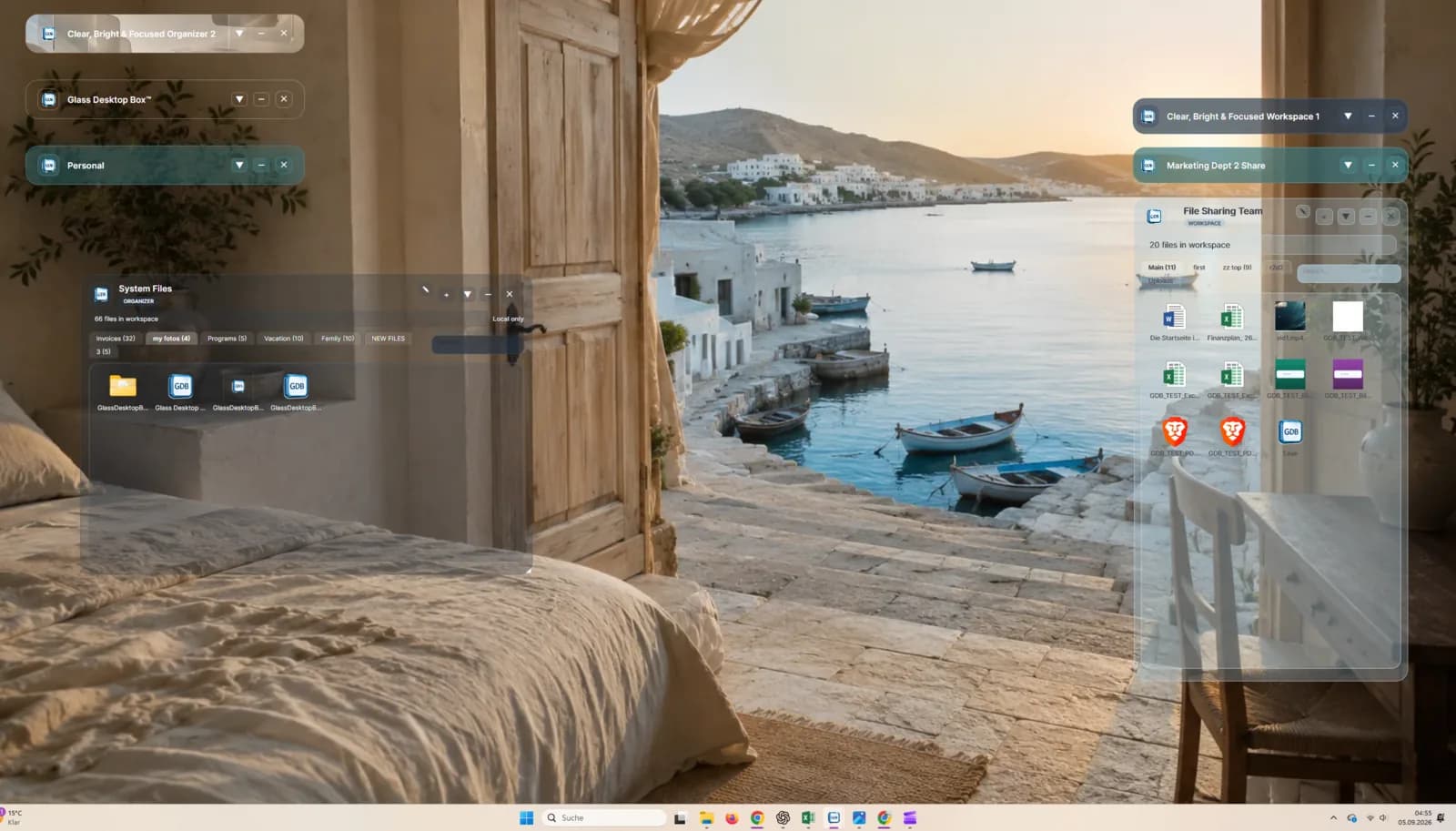
| Primary organization approach | Visual Desktop Boxes for local files and projects | Fence groups for desktop icons, files and folders |
|---|
| Drag-and-drop organization | Supported | Supported |
|---|
| Folder access and sections | Folder linking and Selection Tabs | Folder Portals and tabs |
|---|
| Automatic organization rules | Manual, user-directed visual organization | Extensive automation rules and manual organization |
|---|
| Colors and transparency | Customizable Boxes, colors, transparency and backgrounds | Customizable groups, colors, transparency, tab styles and icon tint |
|---|
| Animated Box backgrounds | Native feature | Not listed as a native Fences 6 feature |
|---|
| Animated full-desktop experiences | Native feature | Not listed as a native Fences 6 feature |
|---|
| Direct P2P file sharing | Supported whenever a direct route is technically possible | Not listed as a native Fences 6 feature |
|---|
| Browser-based guest sharing | Supported through Remote invitations | Not listed as a native Fences 6 feature |
|---|
| Remote shared workspace | Remote ProBox, scheduled for October 1, 2026 | Not listed as a native Fences 6 feature |
|---|
| Shared workspace chat and notes | Remote ProBox, scheduled for October 1, 2026 | Not listed as a native Fences 6 feature |
|---|
| Windows compatibility | Windows 10 (64-bit), Windows 11 and Windows 365 | Windows 10, Windows 11 and Windows on ARM |
|---|